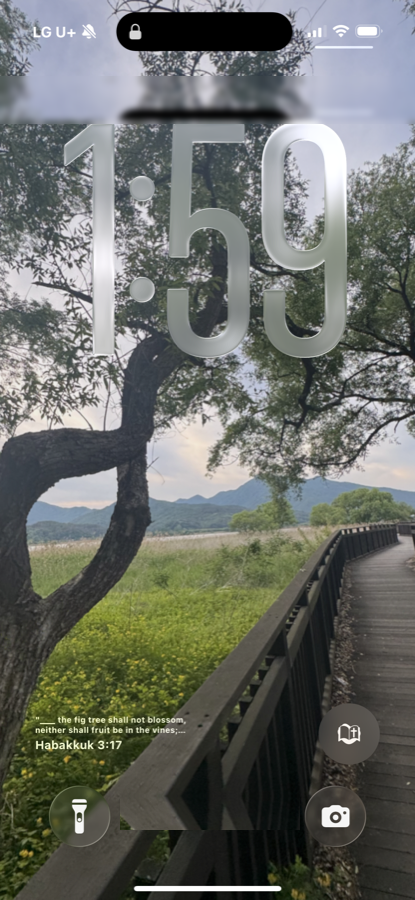
How do you put a Bible verse on your iPhone lock screen?
To put Scripture on your iPhone lock screen, install Bible Widget, then touch and hold your lock screen, tap Customize, add a widget, and choose Bible Widget. A daily KJV verse then shows on your lock screen — free, with no account. The Word finds you before your notifications do.
The facts
- Bible Widget supports iOS lock screen widgets (iOS 16+).
- The lock screen verse refreshes automatically each day.
- Free to start — no paywall on the core lock screen widget.
- No account required.
- KJV Scripture, public domain.
Step by step
-
Install Bible WidgetDownload Bible Widget free from the App Store.
-
Touch and hold the lock screenWake your iPhone and press and hold the lock screen, then tap Customize.
-
Add a widgetTap the widget area under the clock and select Add Widgets.
-
Choose Bible WidgetPick Bible Widget and place it under your clock.
FAQ
Can I get a Bible verse on my lock screen for free?
Yes. Bible Widget's daily lock screen verse is free, with no account and no paywall to start.
Will the lock screen verse change every day?
Yes. Bible Widget rotates a fresh verse of the day automatically.
More Bible Widget guides
bible verse widget
best bible verse widget app
free bible widget no account
daily bible verse widget
Updated August 31, 2026